PERSONAL TOOLS / SMALL SOFTWARE
Personal Tools
Small software built to solve everyday problems and improve my own workflows.
THE TOOL / 01
Password Vault
WINDOWS / WPF / C#
THE PROBLEM
Keep personal login details organized in one local desktop utility.
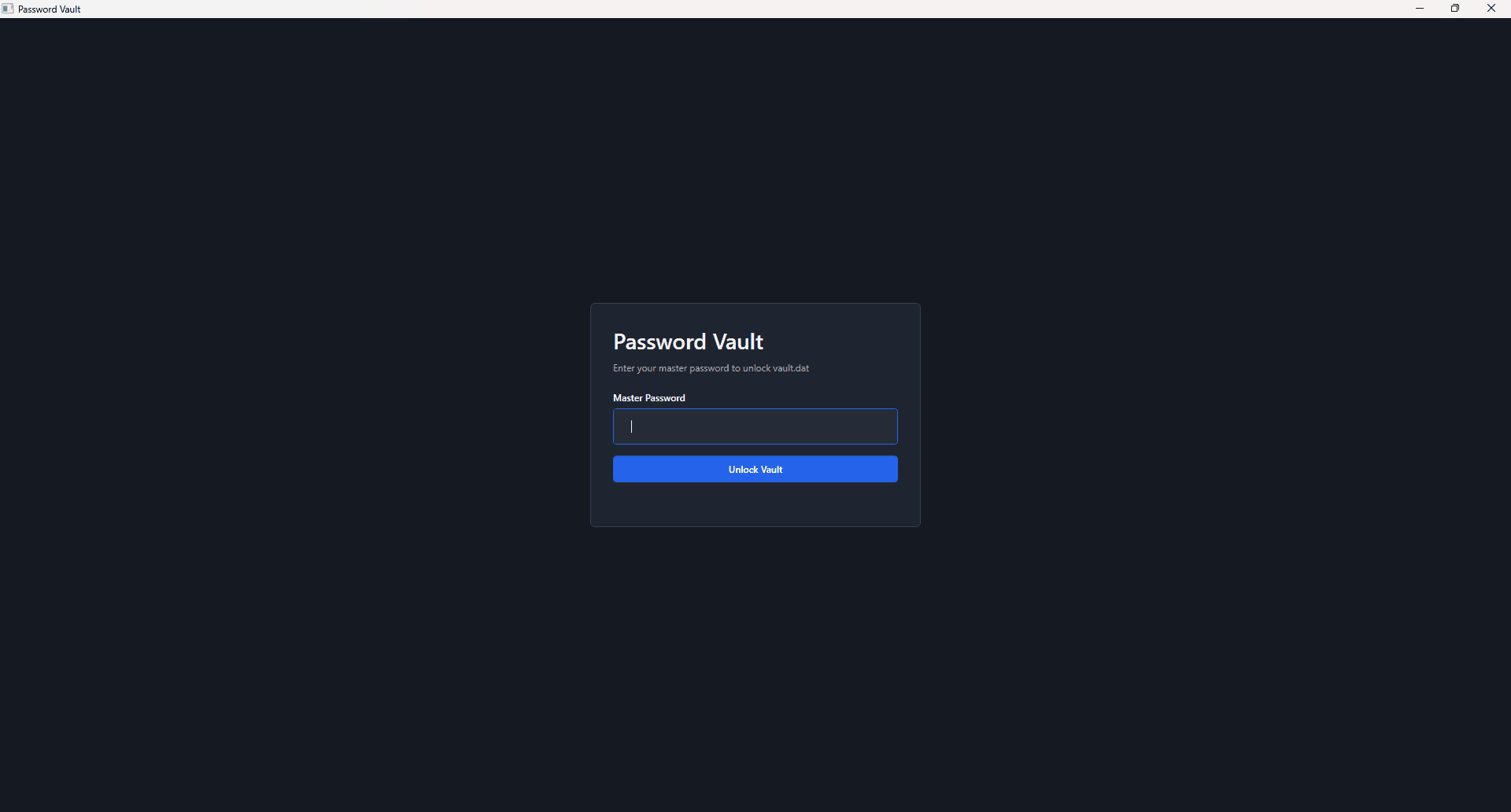
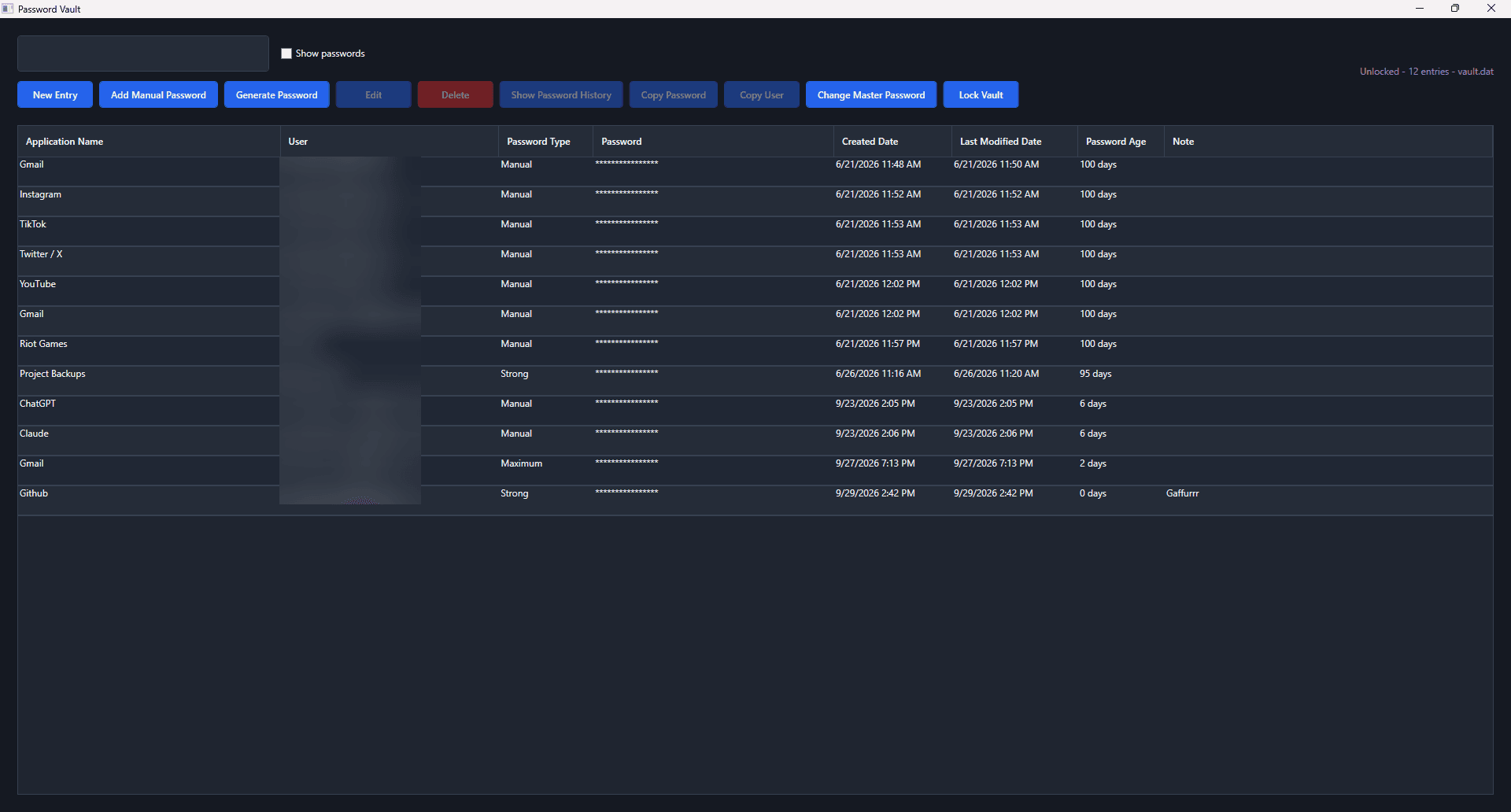
A private, local-first credential utility for organizing and managing personal entries on Windows.
IMPLEMENTED FEATURES
- Add, edit, delete, and search entries
- Generate passwords with selectable profiles
- Copy values to the clipboard with timed clearing
- Lock the vault and change the master password
SELECTED MEDIA
THE TOOL / 02
PulseWall
WINDOWS / WPF / C#
THE PROBLEM
Manage static and moving desktop wallpapers across a personal Windows setup.
A desktop wallpaper utility with local media selection, multi-monitor handling, and playback controls. Per-monitor assignments apply to static images; video wallpapers use desktop wallpaper windows.
IMPLEMENTED FEATURES
- Static image and looping video wallpapers
- Multi-monitor support with per-monitor static image assignments
- Quality, frame-rate, and playback settings
- Pause policies for fullscreen apps, battery power, and idle time
- Tray controls and scheduled wallpaper changes
SELECTED MEDIA
Wallpaper configuration examples; the application interface is not shown in these images.




THE TOOL / 03
Lock Status
ANDROID / ANDROID STUDIO
THE PROBLEM
Remember whether something was last marked locked or unlocked.
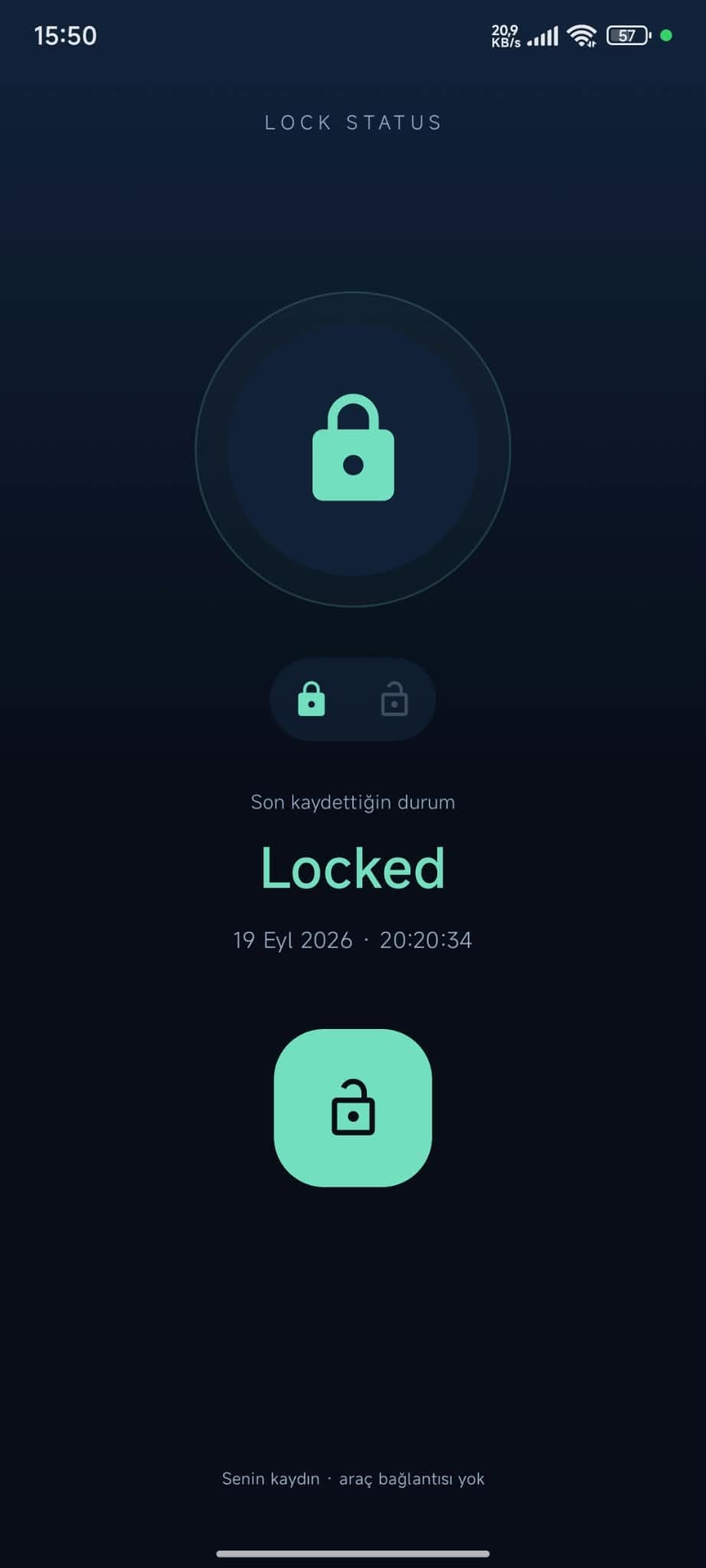
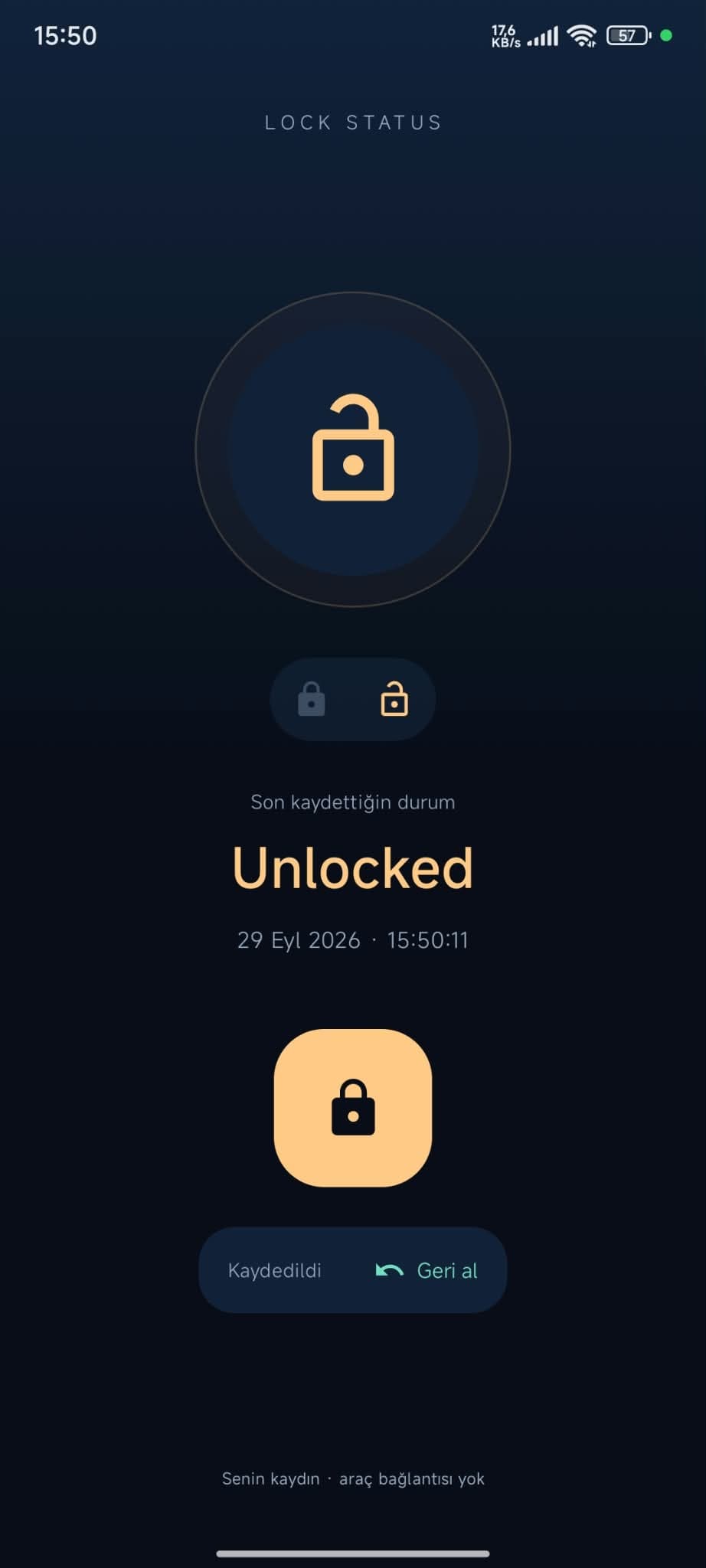
A small Android utility for manually recording a lock state. The main screen offers a Lock / Unlock action and shows the latest saved input with its timestamp.
IMPLEMENTED FEATURES
- Manual Lock / Unlock state action
- Latest recorded state and timestamp
- Android home-screen widget
SELECTED MEDIA

THE TOOL / 04
Hardware Monitor
WINDOWS / .NET 8 / WPF / C#
THE PROBLEM
See useful hardware readings quickly without opening a larger monitoring suite.
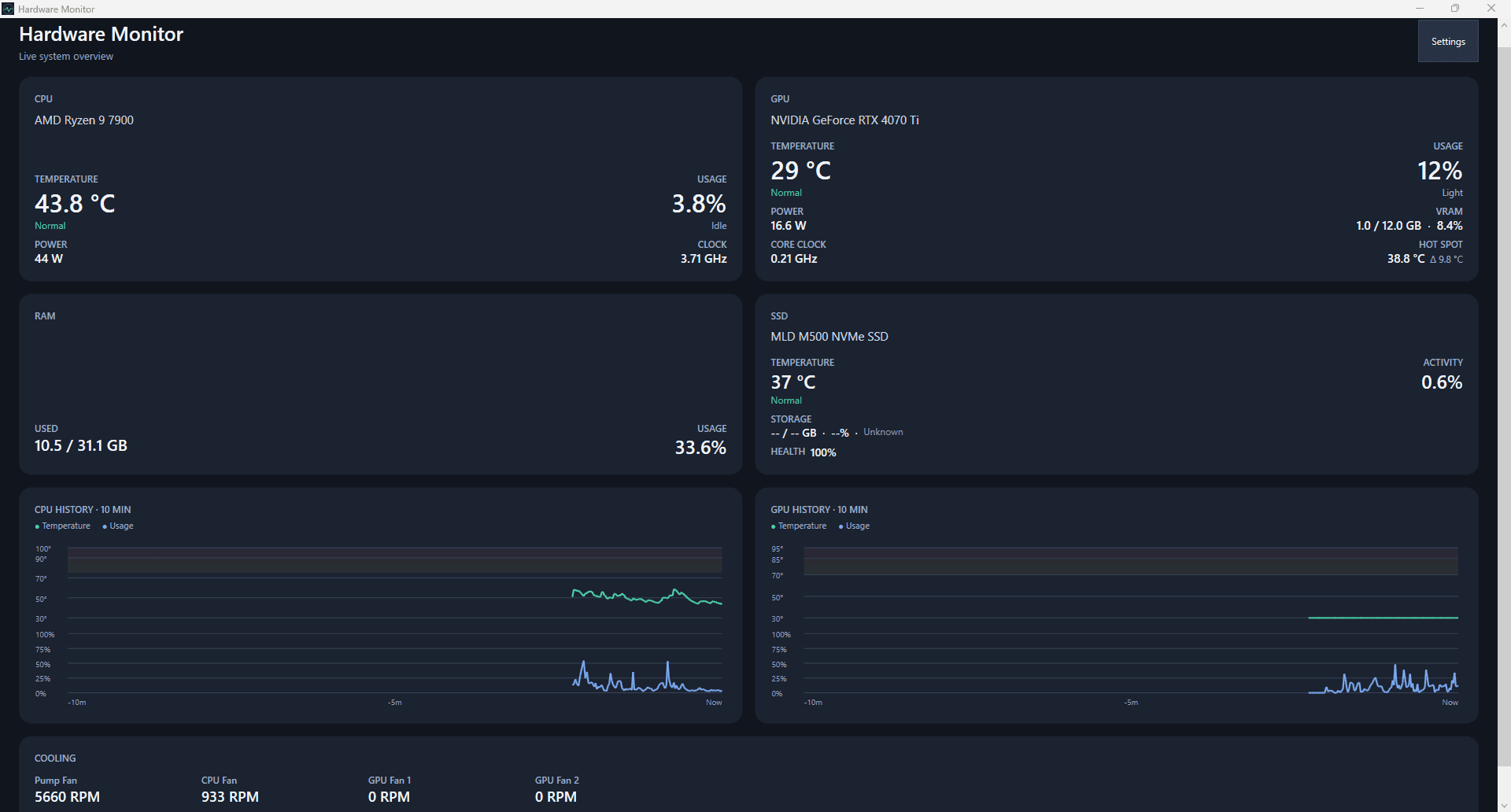
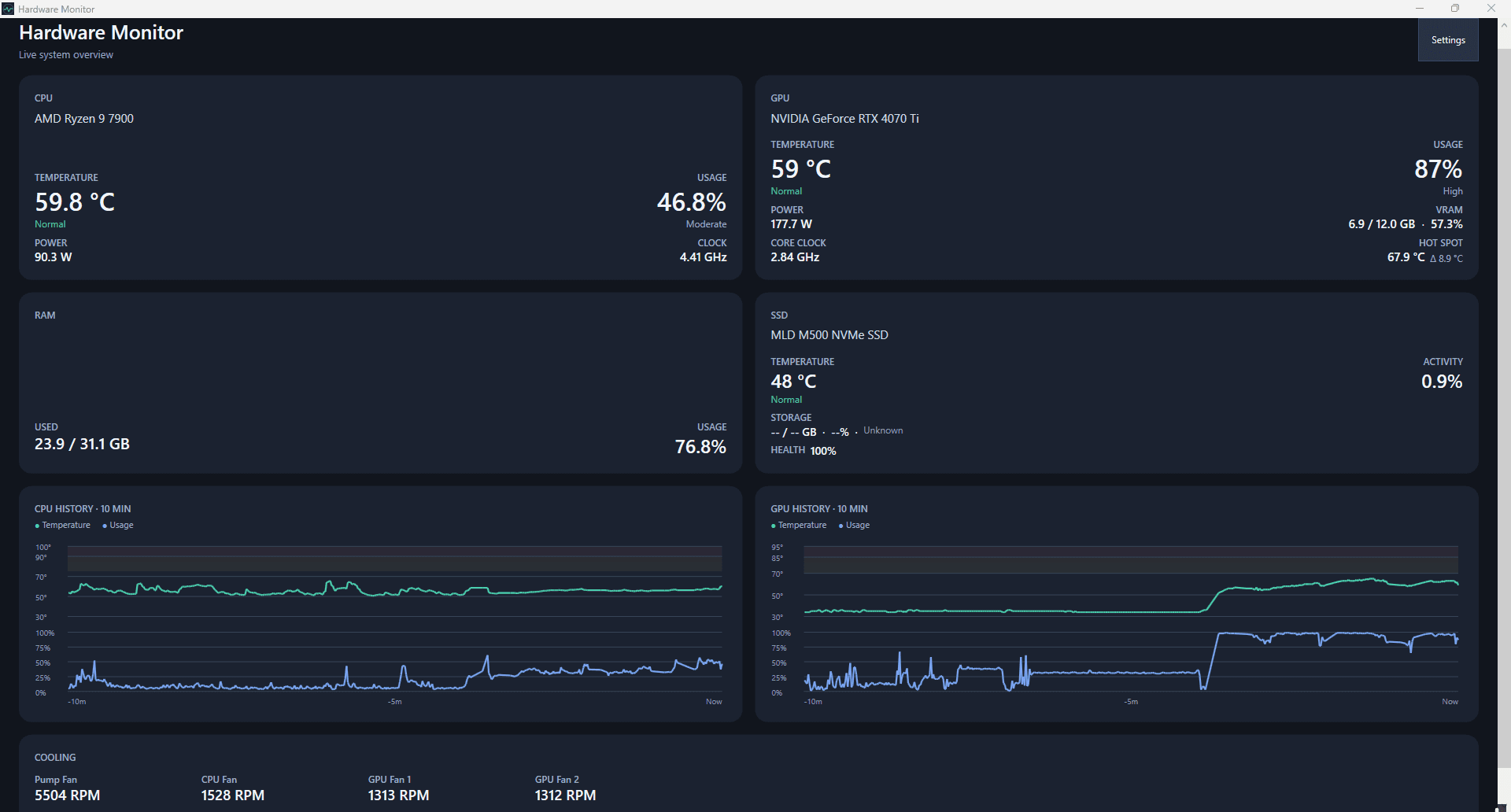
I built this lightweight Windows utility for my own PC to keep the hardware readings I use most in one focused dashboard. It polls LibreHardwareMonitor sensors and keeps bounded in-memory history.
IMPLEMENTED FEATURES
- Live CPU and GPU temperature, usage, power, and clock readings
- GPU Hot Spot temperature and dedicated VRAM usage
- RAM usage and SSD temperature/activity, with capacity and SMART health when available
- Bounded CPU and GPU temperature and usage histories with thermal status labels
- Cooling fan and pump RPM readings, tray access, and adjustable monitoring settings
SELECTED MEDIA